

OIL CHANGE REMINDER SYSTEM
This system informs the operator of the time for replacing engine oil on the basis of the maintenance schedule.
The system is designed to register the total operating hours of the outboard motor and indicate when the preprogrammed number or hours has been reached.
(Refer to the INSPECTION AND MAINTENANCE section and the last page.)
SYSTEM ACTIVATION
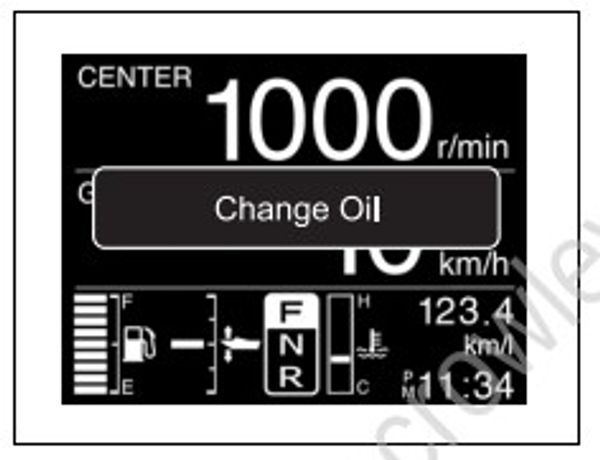
When the total operating hours have reached the preprogrammed hours, the “Change Oil” is displayed on screen, and the buzzer sounds. This indication will repeat until you cancel the system activation.
CANCELLATION
- If equipped with Keyless Start System:
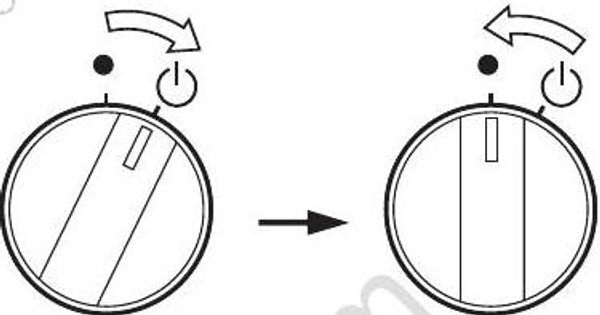
Turn the Keyless Start System to ON state by turn the main switch to the “ ” position and then release it. The main switch automatically returns to the “ ” position.
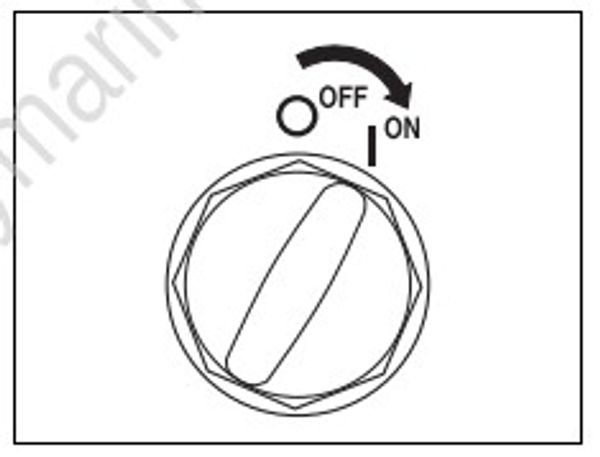
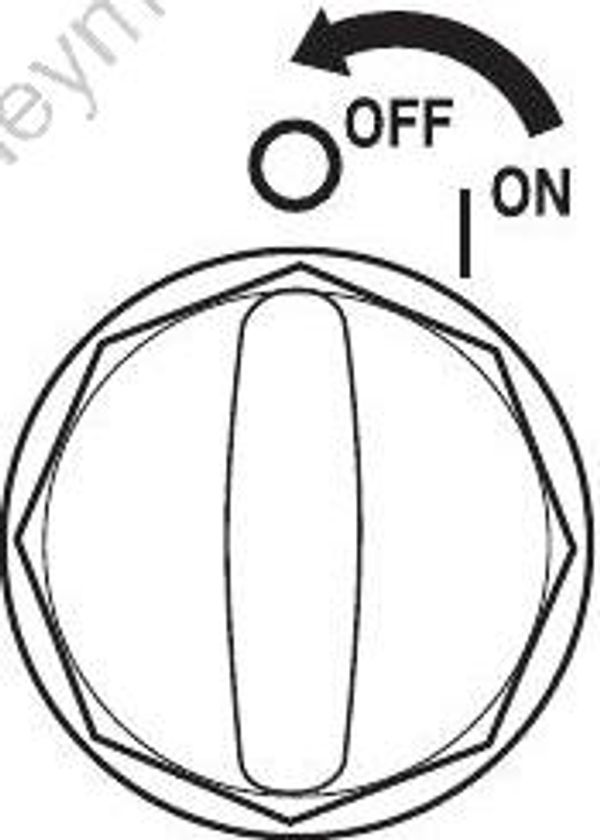
If not equipped with Keyless Start System: Turn the main switch to the “ON” position.
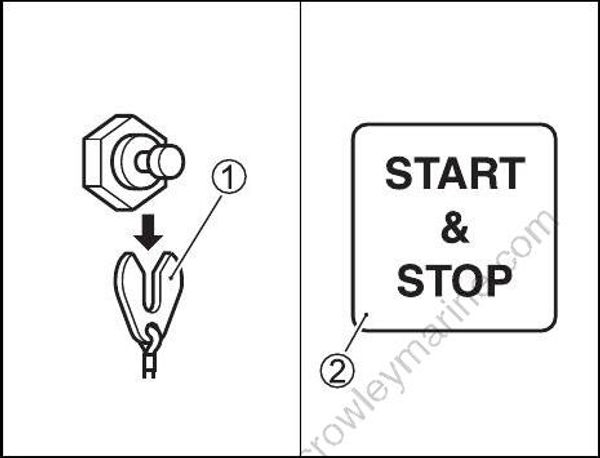
Pull out the emergency stop switch lock plate (1).
Push the start & stop switch (2) three times in 10 seconds. A short beep will be heard if the cancellation is successfully finished.
- If equipped with Keyless Start System:
Turn the main switch to the “ ” position and then release it to the “ ” position to turn the Keyless Start System to OFF state.
The Keyless Start System can also be turned to OFF state by pressing the lock button on the key-fob.
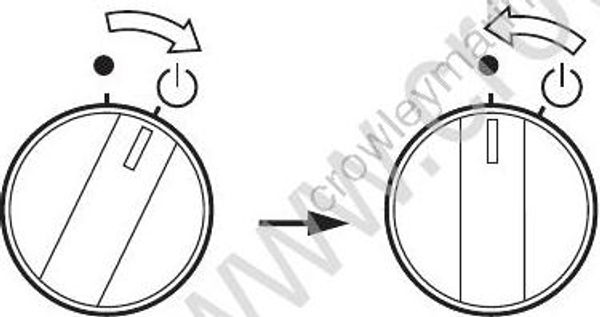
If not equipped with Keyless Start System: Turn the main switch to the “OFF” position.
- Set the plate (1) in the original position.
● Canceling of the system activation is possible regardless of whether or not the engine oil has been replaced. Once the system has operated, however, Suzuki strongly recommends that the engine oil be replaced before canceling the system activation.
● Even if the engine oil has been replaced with the system not operating, it is still necessary to perform the cancellation.